 Translate
Partition Control
Partition Control enables lighting behavior to automatically adapt to space configuration changes, realizing intelligent and differentiated lighting control for divided or combined spaces. When partitions are closed and the space is split into independent rooms, motion detection or push switch only works for the local area and lights in each zone respond separately; when partitions are opened and multiple zones merge into one space, motion detected or push switch pressed in any zone will activate the lighting for the entire combined area.
※ Notes:
1.This is a dedicated function designed specifically for partition control, which requires the dedicated hardware device HBTD8200P (V55) and new devices based on the nRF52840 chipset for implementation.
2.At least one new device must be present in each separate space.
3.If a kinetic switch is required for manual control, the switch must be bound to a new device.
4.If a push button is used instead of a kinetic switch, the push button must be wired to the push ports of a new device.
App Configuration:
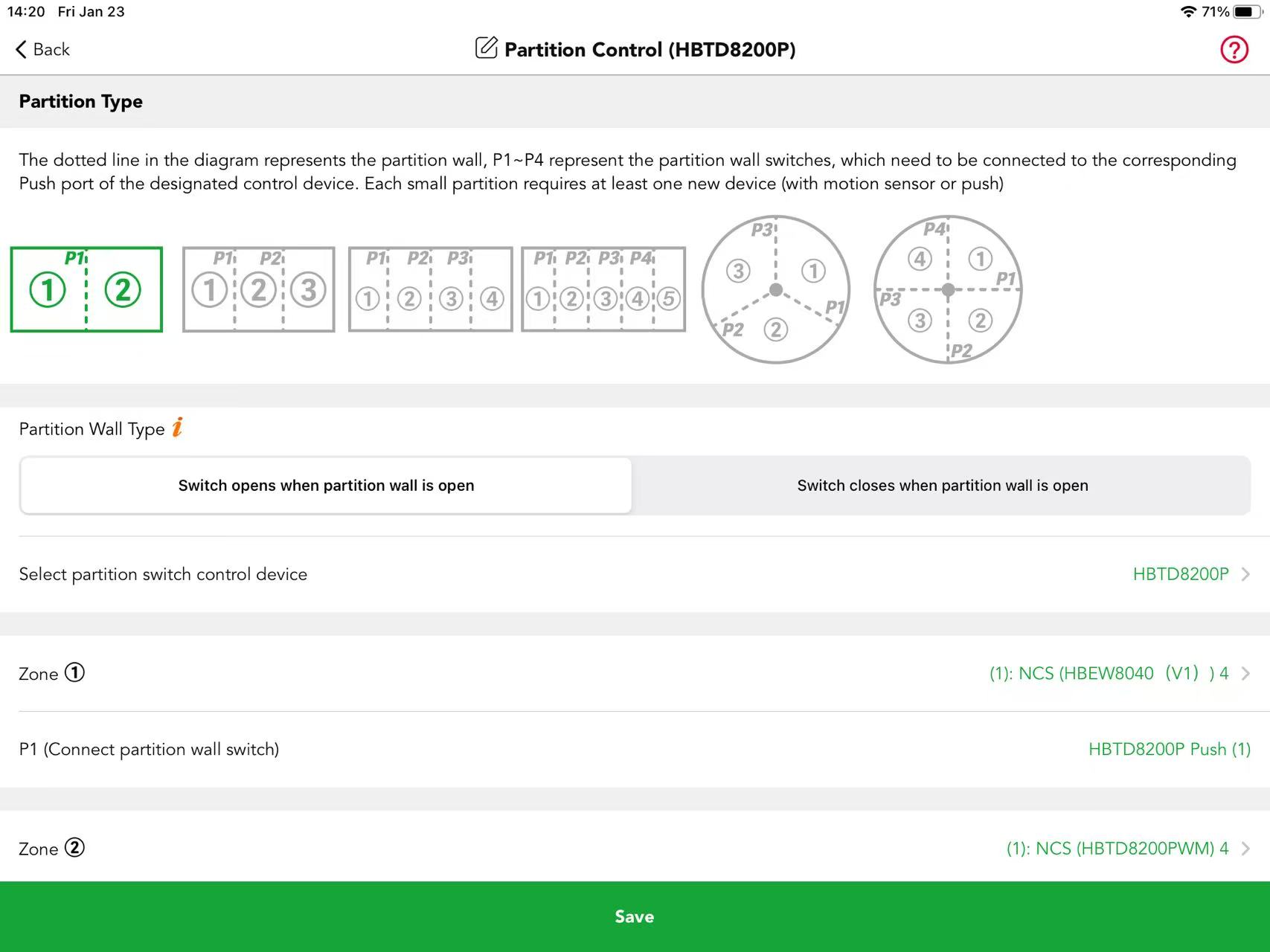
Partition Type:
Our system supports six partition types, and users can select the relevant type according to their actual space needs.
Partition Wall Type:
This selection depends on the actual application scenario, and a limit switch or push button will be installed on the wall for operation accordingly.
Switch Open Mode: The partition wall closes when the push button is pressed (closed state), and opens when the push button is released (open state).
Switch Closed Mode: The partition wall opens when the push button is pressed (closed state), and closes when the push button is released (open state).
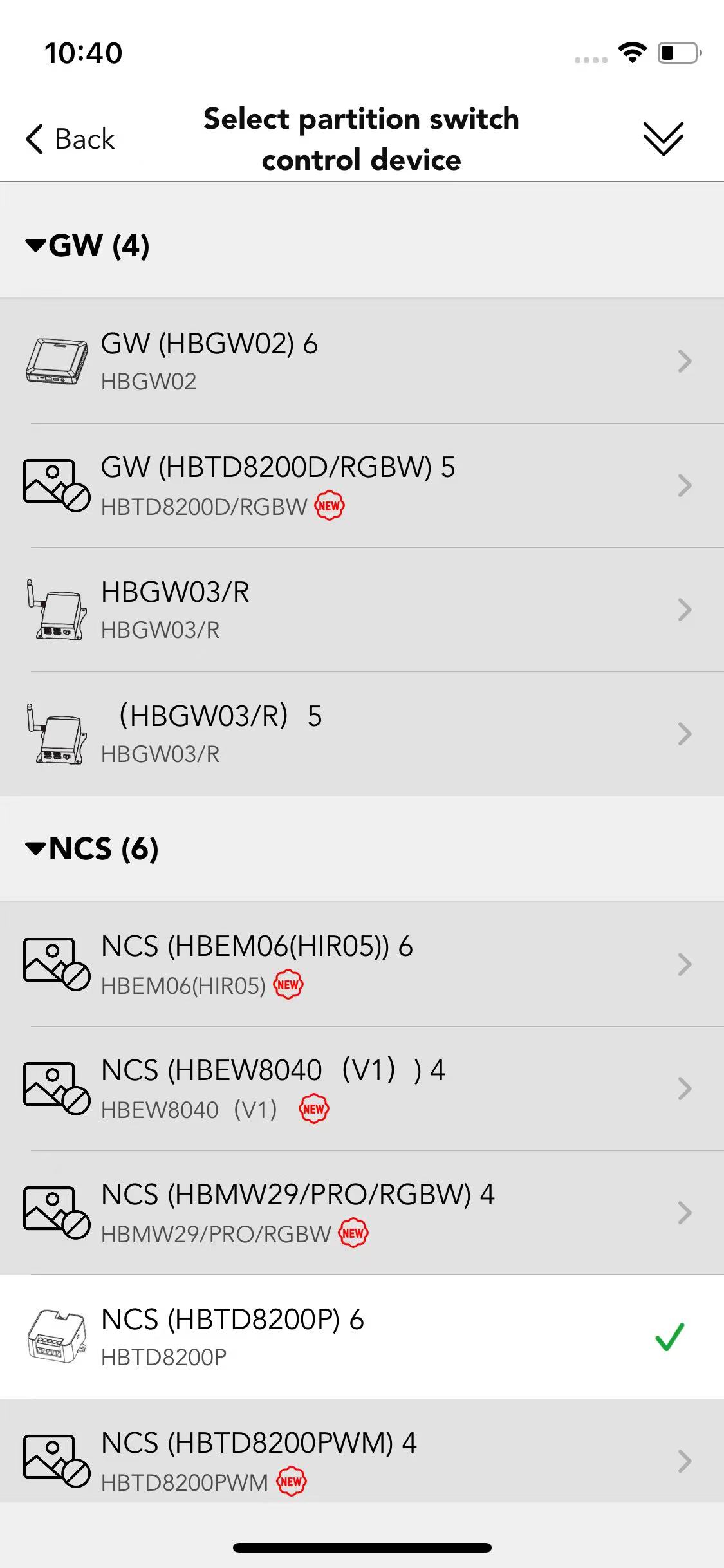
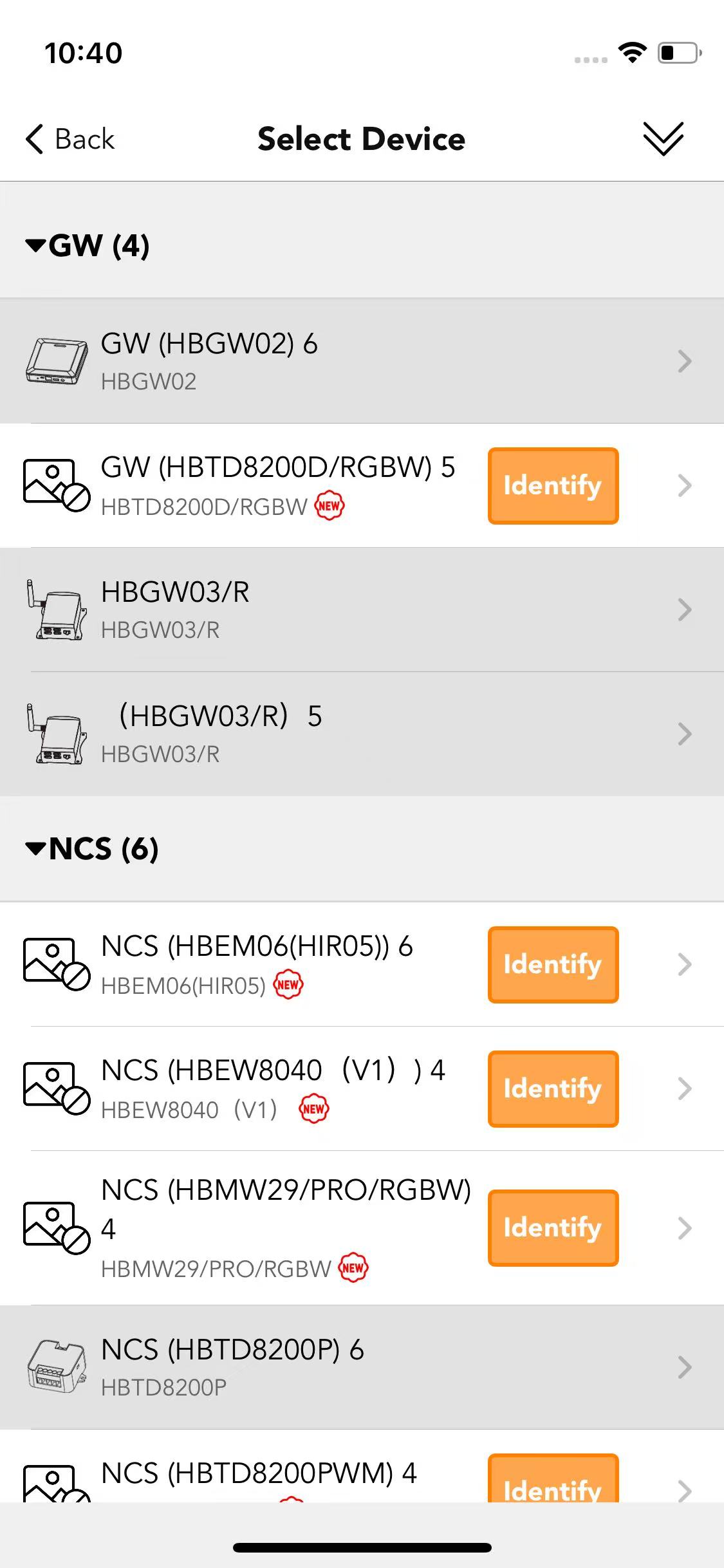
Select partition switch control device:
Select the corresponding HBTD8200P based on the wiring.
Select luminaires for each zone:
Select the corresponding luminaires based on real application.